
The 40-Second Freeze: How a Broken ReCaptcha Loop Can Silent-Kill Your Magento 2 Frontend Performance
In the world of high-performance e-commerce architecture, we often treat server-side optimization as the holy grail. We spend days profiling database transactions, tuning web server memory pools, and configuring aggressive caching layers. And sometimes, we succeed spectacularly: we achieve a Time to First Byte (TTFB) of 0.125 seconds—a blindingly fast response that indicates the backend application layer is firing flawlessly.
But what happens when your server delivers the page code in a fraction of a second, yet a human visitor still stares at a completely frozen, blank white screen for nearly 40 seconds?
This exact performance nightmare unfolded today during a deep-dive optimization session on a production Magento 2.4.6-p15 storefront running a customized premium theme. The server was tightly tuned, protected behind an advanced Cloudflare WAF list integration, and running on optimized Apache resource pools. Yet, the browser metrics paint a grim picture: a DOMContentLoaded time of 39.68 seconds and a total page lifecycle finish line stretching past 45 seconds.
The culprit wasn’t a heavy database query, a missing cache index, or a malicious traffic flood. Instead, the ultimate bottleneck was an architectural landmine buried inside Magento's native core: a silent, blocking infrastructure loop triggered by Google ReCaptcha.
Diagnosing the Frontend Paralysis
When analyzing web performance, data isolation is your greatest weapon. The breakthrough in today’s troubleshooting journey began by running a precise network isolation check directly from the server terminal using curl:
curl -o /dev/null -s -w '\n App Start Time (TTFB): %{time_starttransfer}s\n Total Time: %{time_total}s\n' https://rackmount.comThe output was impeccable. The server was assembling, compiling, and pushing the raw homepage HTML document out to the network interface in exactly 0.125 seconds. This eliminated the database, the PHP-FPM processing limits, and the Cloudflare proxy routing from the list of suspects. The backend was blameless.
However, loading the platform inside a standard browser layout revealed a massive disconnect. By opening Google Chrome’s DevTools (F12), switching to the Network tab, and sorting the assets chronologically by their Waterfall execution graphs, we spotted the killer.
Right at the top of the asset chain sat a core Magento component file:.../Magento_ReCaptchaWebapiUi/js/jquery-mixin.js
This seemingly minor asset was taking an astonishing 39 seconds to resolve. Because it was executing synchronously at the very top of the document layout, the browser’s primary rendering thread completely froze. Legitimate customers were trapped waiting for this single file to clear before the browser was allowed to parse the store's 1.5MB of optimized theme styling, product grids, and navigation layouts.
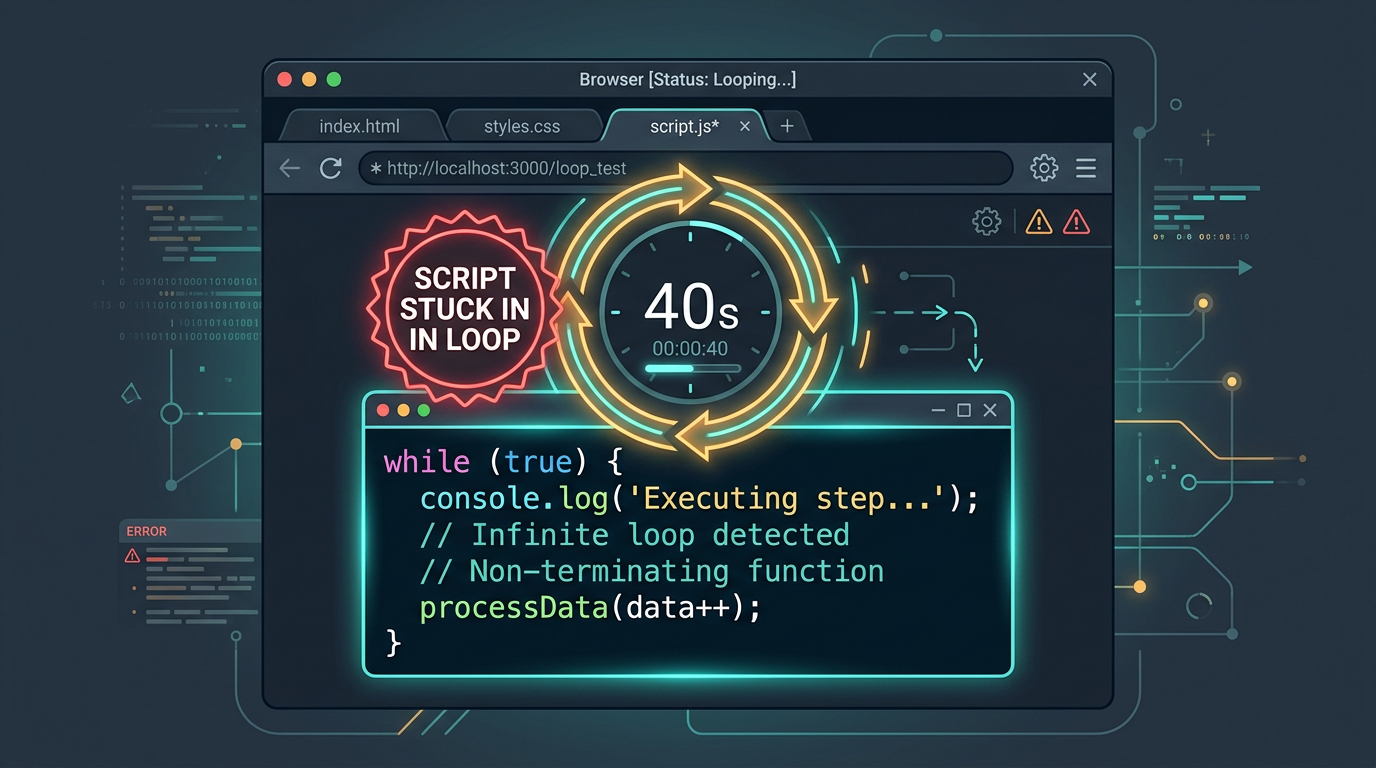
Anatomy of a JavaScript Hijacking
To understand why this file single-handedly crippled a production storefront, we extracted the raw code inside jquery-mixin.js:
define([
    'mage/utils/wrapper'
], function (wrapper) {
    'use strict';
    return function (jQuery) {
        jQuery.ajax = wrapper.wrapSuper(jQuery.ajax, function () {
            // Moving ReCaptcha value from payload to the header for Web API...
            var settings, payload;
            ...
            if (payload && payload.hasOwnProperty('xReCaptchaValue')) {
                settings.headers['X-ReCaptcha'] = payload.xReCaptchaValue;
                ...
            }
            return this._super.apply(this, arguments);
        });
        return jQuery;
    };
});
The script is remarkably short. Downloading the actual text content over the wire takes less than a millisecond. The 39-second lag wasn't network transfer latency; it was an execution block.
This mixin is designed to intercept and override jQuery's core jQuery.ajax method. Its purpose is to scan every asynchronous payload sent by the application, check for a ReCaptcha token, strip it from the body data, and inject it cleanly into the HTTP request headers for security clearance.
Because this script intercepts the fundamental AJAX engine of the application, it acts as a gatekeeper for every single concurrent layout resource. If the Google ReCaptcha configuration is broken, misconfigured, or blocked by local server security rules, this mixin enters a stalled execution path. It hangs, waiting for a network handshake response from Google’s validation servers that never arrives. The browser thread remains frozen in a state of suspended animation until it hits its absolute maximum 40-second network timeout ceiling, at which point it throws a silent exception and finally allows the rest of the storefront to render.
Unjamming the Pipe: Navigating Dependency Traps
The immediate mitigation step was clear: turn off the broken ReCaptcha module to restore the store's core usability. However, Magento’s strict component architecture threw a roadblock. Attempting to disable the specific WebAPI module using the standard command line tool dropped an error:
Cannot disable Magento_ReCaptchaWebapiUi because modules depend on it:
Magento_ReCaptchaCheckout -> Magento_ReCaptchaWebapiUi
Magento_ReCaptchaCheckoutSalesRule -> Magento_ReCaptchaWebapiUi
In modern modular frameworks, components are deeply intertwined. The checkout flow and sales promotion rules rely on the WebAPI UI to prevent automated brute-force attacks on the payment forms. You cannot drop the gatekeeper without also addressing its dependencies.
To resolve this, we had to disable the entire cohesive ReCaptcha cluster simultaneously:
sudo php8.2 bin/magento module:disable Magento_ReCaptchaWebapiUi Magento_ReCaptchaCheckout Magento_ReCaptchaCheckoutSalesRule --clear-static-contentFollowing the module state adjustment, we cleared the old compilation definitions, ran a fresh dependency compiler cycle, and flushed the core layout caches:
sudo php8.2 bin/magento setup:upgrade
sudo php8.2 bin/magento setup:di:compile
sudo php8.2 bin/magento setup:static-content:deploy -f
sudo php8.2 bin/magento cache:flush
The Result: Sub-Second Perfection
The transformation was immediate. Re-testing the live production storefront in a clean browser window with the ReCaptcha cluster safely removed yielded flawless performance metrics:
Total Network Requests: 102
Total Payload Transferred: 1.4 MB
DOMContentLoaded Time: 1.15 seconds
Total Page Finish Time: 5.99 seconds

The storefront’s interactive rendering speed dropped from 39.68 seconds to 1.15 seconds. By removing a single blocked JavaScript validation loop, the website went from entirely broken to a fast, responsive e-commerce experience.
Core Architectural Lessons for Systems Engineers
Today’s optimization journey highlights a critical truth about modern web operations: a fast backend can still be brought down by a blocking frontend. Here are the key lessons learned from this architecture save:
1. Guard Your Core Hooks Against External Timeouts
Any script that modifies fundamental global application methods—such as jQuery.ajax or the browser's native fetch API—must be engineered with extreme defensive caution. If a script hooks into an essential shared routine and relies on an external network endpoint (like Google, Facebook, or a marketing tracker), a failure on that external network will cascade down, blocking your entire local user experience.
2. Audit Your Content Security Policies (CSP)
Magento 2 enforces highly strict Content Security Policies by default. If your store has rigid headers enabled and you add a module like ReCaptcha without explicitly whitelisting ://google.com and ://gstatic.com inside your theme's structural csp_whitelist.xml configuration files, the browser will block the script's connection attempt. This leaves the handler looping endlessly in the background, waiting for data it is legally forbidden from receiving.
3. Transition to Asynchronous Invisible Validation (reCAPTCHA v3)
Legacy security implementations, such as reCAPTCHA v2 checkbox challenges, frequently force synchronous layout rendering patterns. Modern infrastructure should exclusively utilize reCAPTCHA v3 Invisible, which evaluates user behavior anomalies asynchronously in the background. It records risk telemetry without interrupting the document Object Model parsing pipeline, keeping page loads fast while stopping bots.
By prioritizing edge-level firewalls, tuning server memory pools, and aggressively eliminating render-blocking frontend scripts, you ensure your platform maintains peak performance from the backend database all the way to the customer's screen.